An active break in 3 minutes. On the projector. No preparation.

Open the game on the projector, tap full screen, “Start movement break” – the class joins in. The timer runs by itself. Exercises are available in 14 languages so that everyone can take part.

How a movement break works

Five exercises with short breaks in between – about three minutes in total.

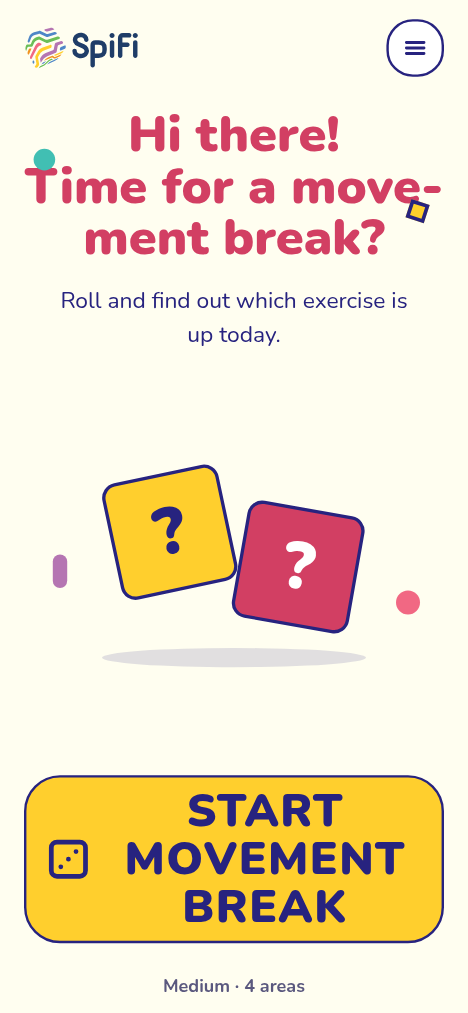
  1. The game: start screen with the “Start movement break” button
    1. Start the movement break

    Via the link above, “School & classroom” is already selected: fitness, mobility, brain training and breathing. Set the level under “Adjust”.
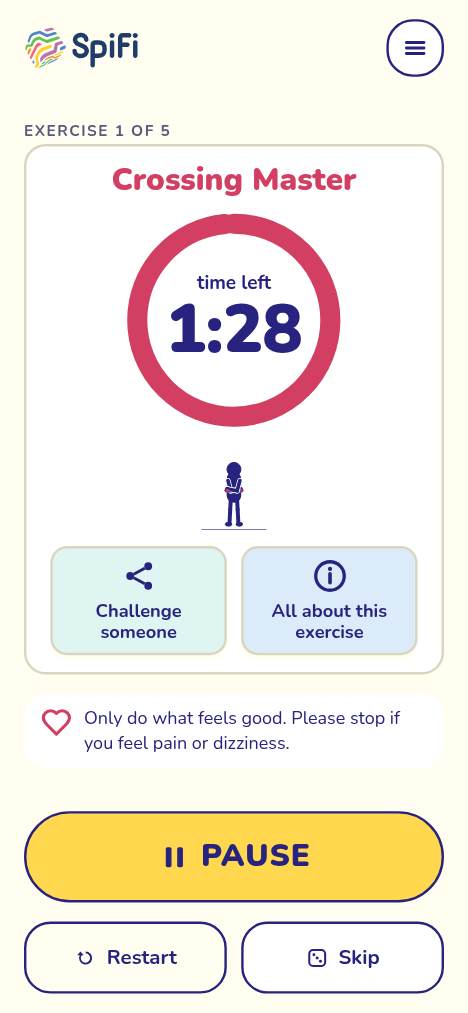
  2. The game: exercise 1 of 5 with the timer running
    2. Show it on the projector

    The full-screen button makes the game fill the screen. The space bar starts and pauses; a voice can read the exercise aloud if you like.
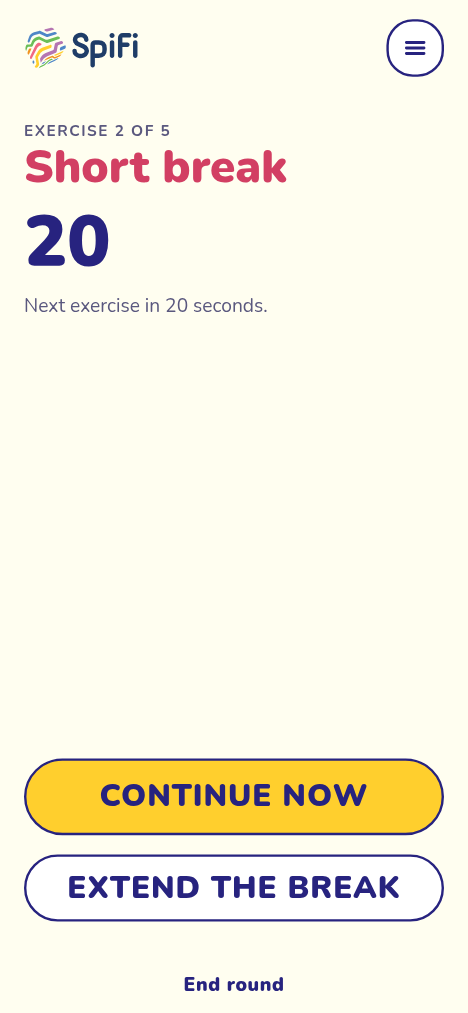
  3. The game: short break, the next exercise starts in 20 seconds
    3. Short break, then on

    After each exercise comes a short break, then it continues by itself. A strenuous exercise is followed by a calm one.

Tried and tested in lessons

“The offer comprises (movement) exercises that can be built into lessons quickly and easily. Various categories (fitness, breathing, partner exercises, mindfulness, etc.) are available in several languages.”

Styrian Board of Education, newsletter to all Styrian schools, 2025 (translated)

At HLW Hartberg SpiFi has been in use since the 2024/25 school year, from warm-ups in practical lessons to vocabulary training in Italian and English classes. The exercises come from physiotherapists, breathing and neuro coaches.

For school networks and education authorities there is also SpiFi with its own selection of exercises: SpiFi for organisations.

Also for language lessons

The class reads the exercise in the target language and then does it. That links movement with vocabulary, with no preparation. Start directly: German · Italian · Spanish · French.

For multilingual classes the exercises are also available in Turkish, Bosnian/Croatian/Serbian, Romanian, Ukrainian, Arabic, Polish, Hungarian, Slovenian and Dutch.

Questions from the staff room

From which grade?

With a teacher on the projector from primary school, on their own devices from lower secondary school. The “easy” level helps beginners.

Which devices are needed?

A projector or whiteboard with a browser is enough. Students’ phones or laptops are optional.

Is an account needed?

No. Nobody has to sign up, not even the teacher.

What about data protection?

No sign-up, no camera, no ads. The game only remembers settings such as language and look on the device – progress only if someone switches on “remember progress”. Statistics count what is played, never who.

Ready for the next break?

One click, and the class moves for three minutes.

Scroll to Top